Directly in your browser
Open your recipe collection on your computer, tablet or smartphone – no installation required.
RezeptSuite Cloud
Collect recipes, create a weekly plan, tick off a shared shopping list and cook in cooking mode. Basic is permanently free – Plus with recipe import and AI features costs €15 per year.
Basic is permanently free · 7 days with all Plus features included
Cloud · Web browser and Android app · across multiple devices
Basic · permanently free · 100 recipes, weekly meal plan, shopping list
Plus · included for 7 days, then €15/year · import, AI calories, 2,000 recipes · Compare
Already have an account? Sign in
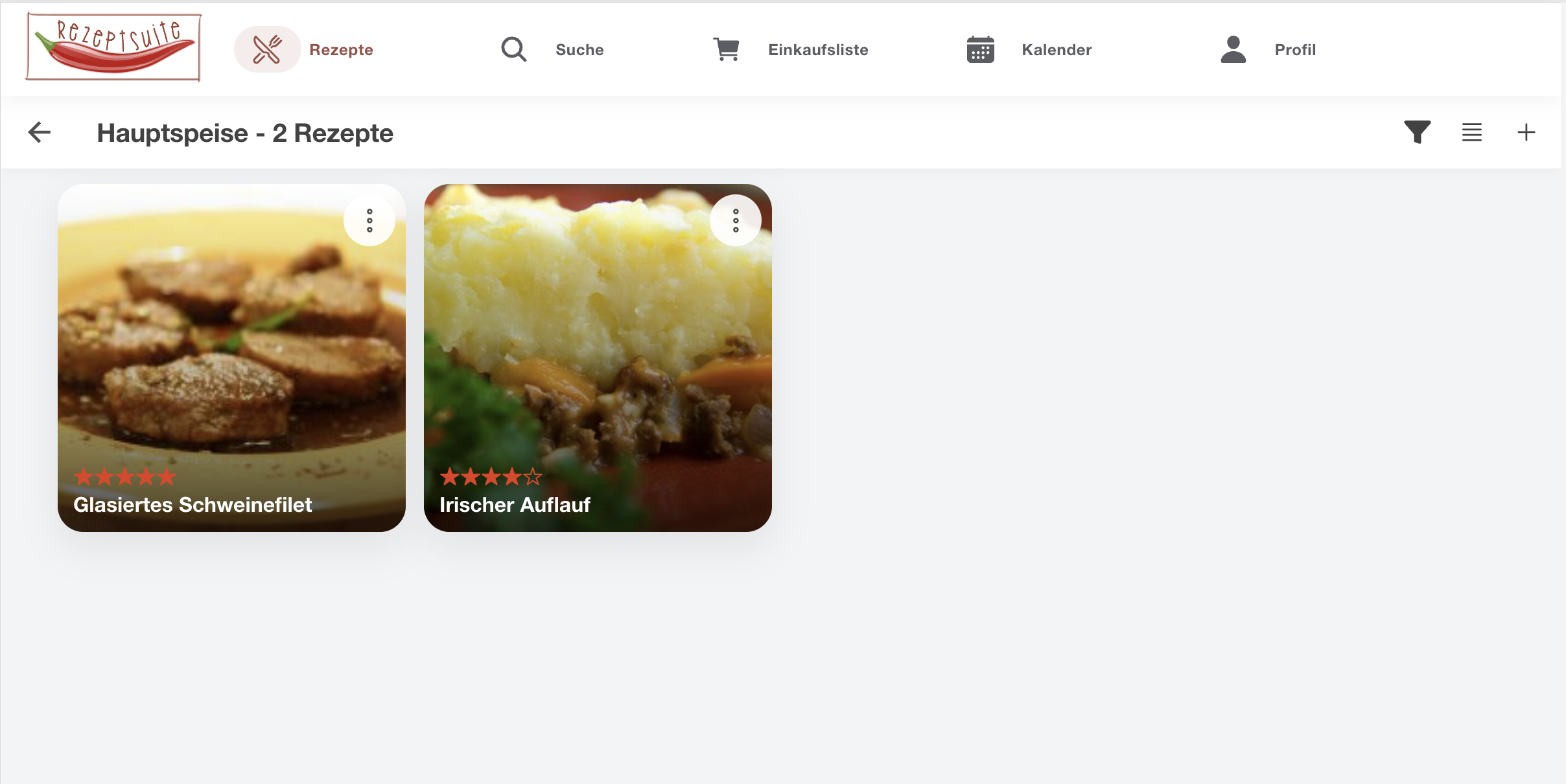
One collection across multiple devices
Open your recipe collection on your computer, tablet or smartphone – no installation required.
Tick off shopping items and follow the method step by step while cooking.
Add recipes to the days of the week and create a shopping list with one click – free with Basic.
Share recipes with family or friends via a private link and tick off shared shopping lists together.
Free · Create your account directly in the app or browser
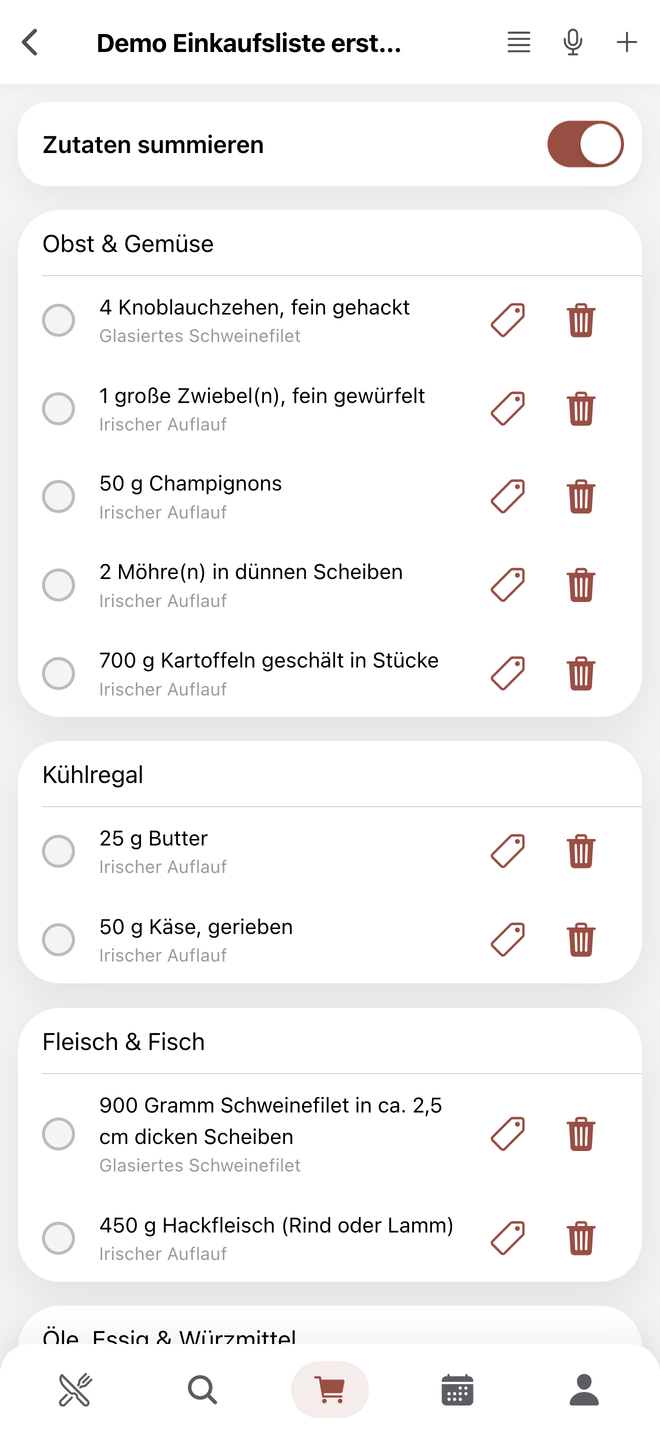
Shopping list · included with Basic
Add ingredients from recipes or the weekly meal plan, combine quantities and share the list with others – all for free. With Plus , the list is automatically sorted into shopping categories such as fruit & vegetables, chilled goods or dry goods.
Recipe import · Plus
Import ingredients and preparation steps from websites, Instagram captions or recipe photos.
Instagram: the recipe must be in the caption of a public post or reel.
On Android: send the link to RezeptSuite using Share. Here’s how
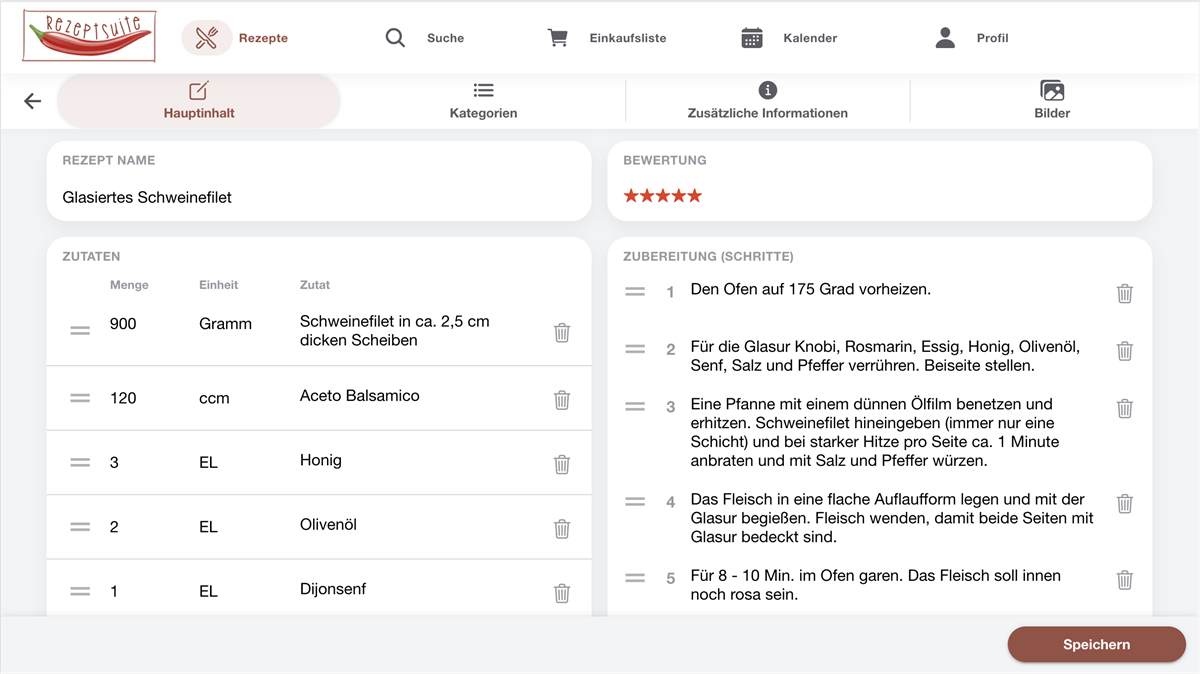
Even with Basic, you can follow the preparation steps, adjust portions and text size, and tick off ingredients.
With Plus, you can also see the ingredients assigned to each step and start timers from recognised time instructions, where this information is available for the recipe.
Timers only run while cooking mode is open and stop when you close it. Keep it in the foreground; do not rely on an alarm when your screen is locked or the app is in the background.
Open a recipe and select the print icon. RezeptSuite Cloud uses the stored print template and your selected portion size. In a browser, this opens the browser print dialog; in the Android app, it opens the system print dialog. Printing is included in Basic and Plus.
Create your own layouts in the Desktop layout editor, not in Cloud. Printing guide for Cloud and Desktop
Basic free · Plus €15/year
With Basic, you can manage up to 100 recipes and 200 images for free. Plus raises the limits and adds import, AI features and step-specific ingredients and timers in cooking mode – free to try for 7 days after registration.
| Feature | Basic free | Plus €15/year |
|---|---|---|
| Create & manage recipes | up to 100 recipes | up to 2,000 recipes |
| Images | up to 200 images | up to 4,000 images |
| Weekly meal plan & shopping list | ||
| Cooking mode | ||
| Template-based recipe printing (browser & Android app) | ||
| Share recipes & edit shopping lists together | ||
| Web browser & Android app | ||
| Website import | ||
| Instagram recipe import from captions | ||
| Step-specific ingredients & recognised timers in cooking mode | where available for the recipe | |
| Categorised shopping list | ||
| AI calorie calculation | ||
| AI recipe import (photo) |
Subscribe to Plus directly from your Cloud account after registration – your recipes remain available. €15 per year is equivalent to €1.25 per month. No VAT is charged or shown in accordance with Section 19 UStG.
Good to know
Your account automatically switches to Basic – free, with no cancellation required. Basic includes up to 100 recipes, 200 images, the weekly meal plan and shopping list. You can subscribe to Plus in your account at any time for €15 per year.
All existing recipes remain available, but you cannot create new recipes in Basic once you reach the limit. Plus raises the limit to 2,000 recipes and 4,000 images.
Directly from your Cloud account after signing in through the browser or Android app. Payment is available by PayPal or bank transfer.
The app is available for Android. On iPhone, use RezeptSuite Cloud in your browser. To import a recipe, copy the link and paste it into RezeptSuite; iOS is not supported as a target in the share menu.
Plus runs for 12 months and automatically renews for another 12 months. You can cancel up to 4 weeks before the end of the term; your account then continues as Basic and your recipes remain available.
Yes, you can do both yourself in your account at any time. Instructions for deleting your account are available under Delete account .
Yes. Instead of a local database, RezeptSuite Desktop can access your Cloud account directly – the same collection on your computer, in your browser and in the Android app. With Plus, website import is then also available in Desktop. Learn more about RezeptSuite Desktop
Try it for free
Open the demo without signing in or create a free account: try all Plus features for 7 days, after which Basic remains permanently free.